Mobile Scanning Solution for Document Analysis and Recognition
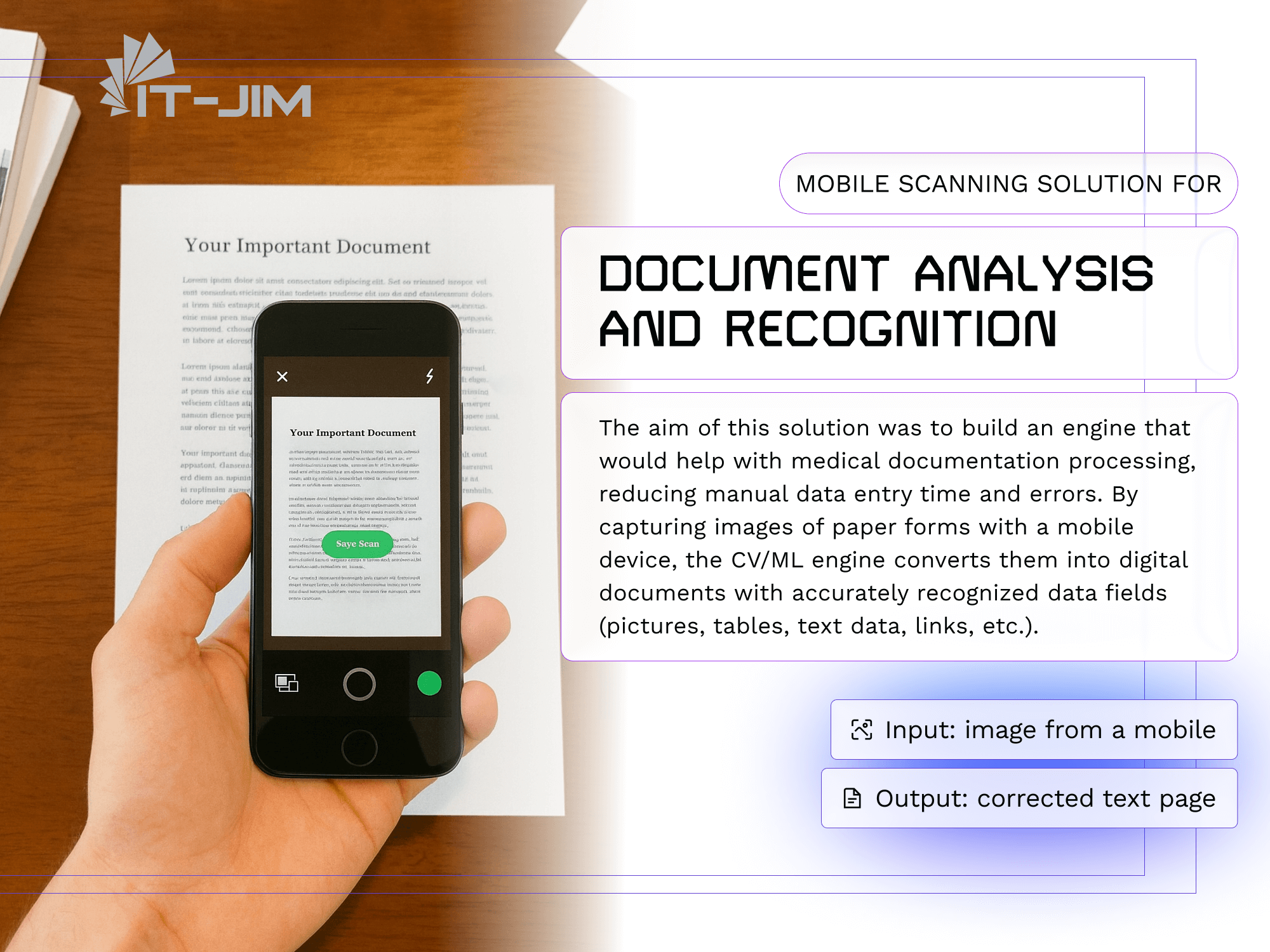
The aim of this solution was to build an engine that would help with medical documentation processing, reducing manual data entry time and errors. By capturing images of paper forms with a mobile device, the CV/ML engine converts them into digital documents with accurately recognized data fields (pictures, tables, text data, links, etc.).
Input: image from a mobile
Output: corrected text page
Technologies & Skills:
- Computer Vision
- Image Processing
- Automatic Document Analysis
- Automatic Document Correction
- Pattern Detection & Recognition
- Programming Languages: Python, C++
Project Development Approach
Automatic document analysis is a key part of the overall document recognition process. A typical scenario starts with taking a picture of the document with a mobile phone or tablet. Then, the service automatically parses and recognizes content from the captured document.
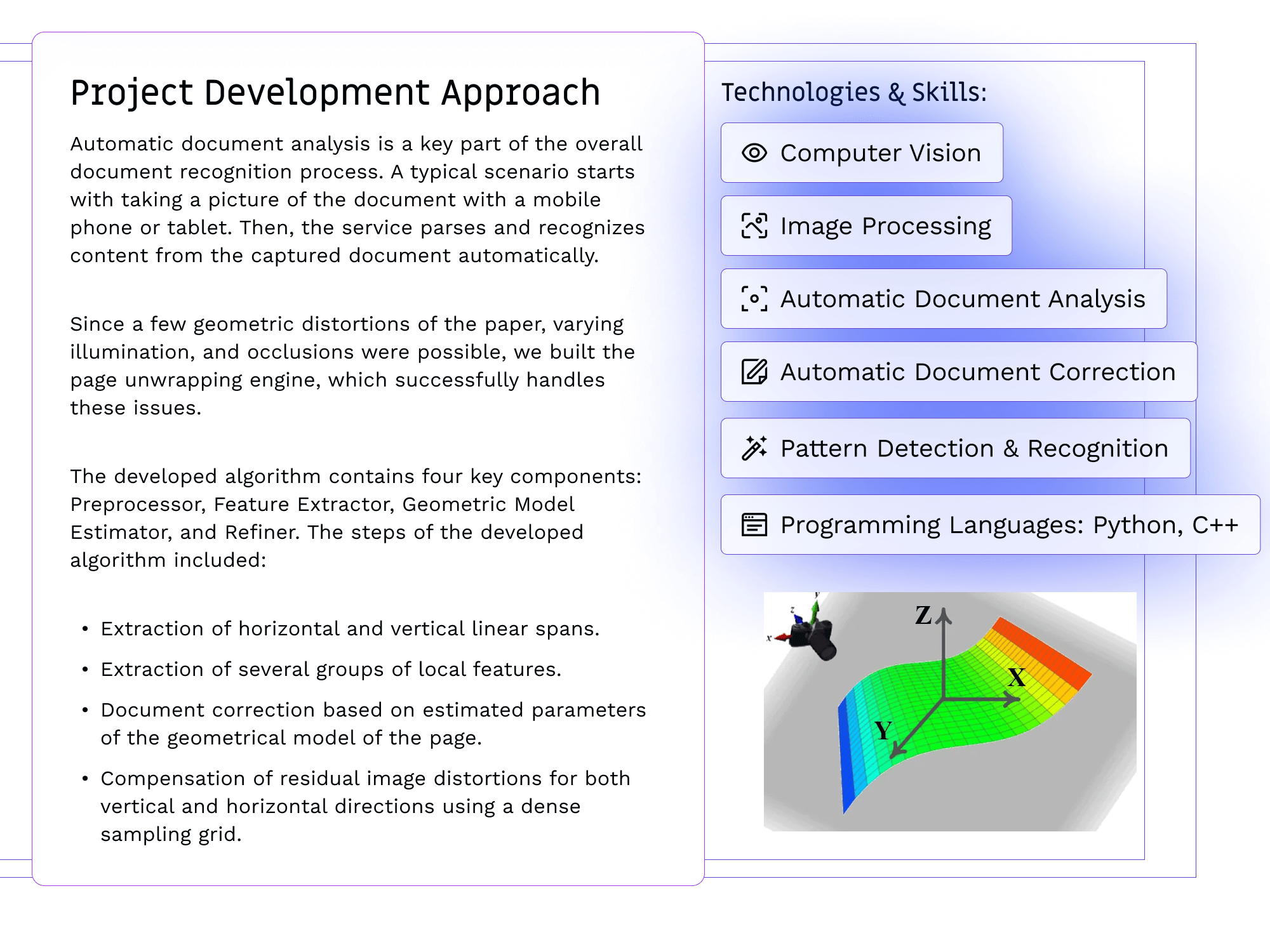
Since a few geometric distortions of the paper, varying illumination, and occlusions were possible, we built the page unwrapping engine, which successfully handles these issues.
The developed algorithm contains four key components: Preprocessor, Feature Extractor, Geometric Model Estimator, and Refiner.
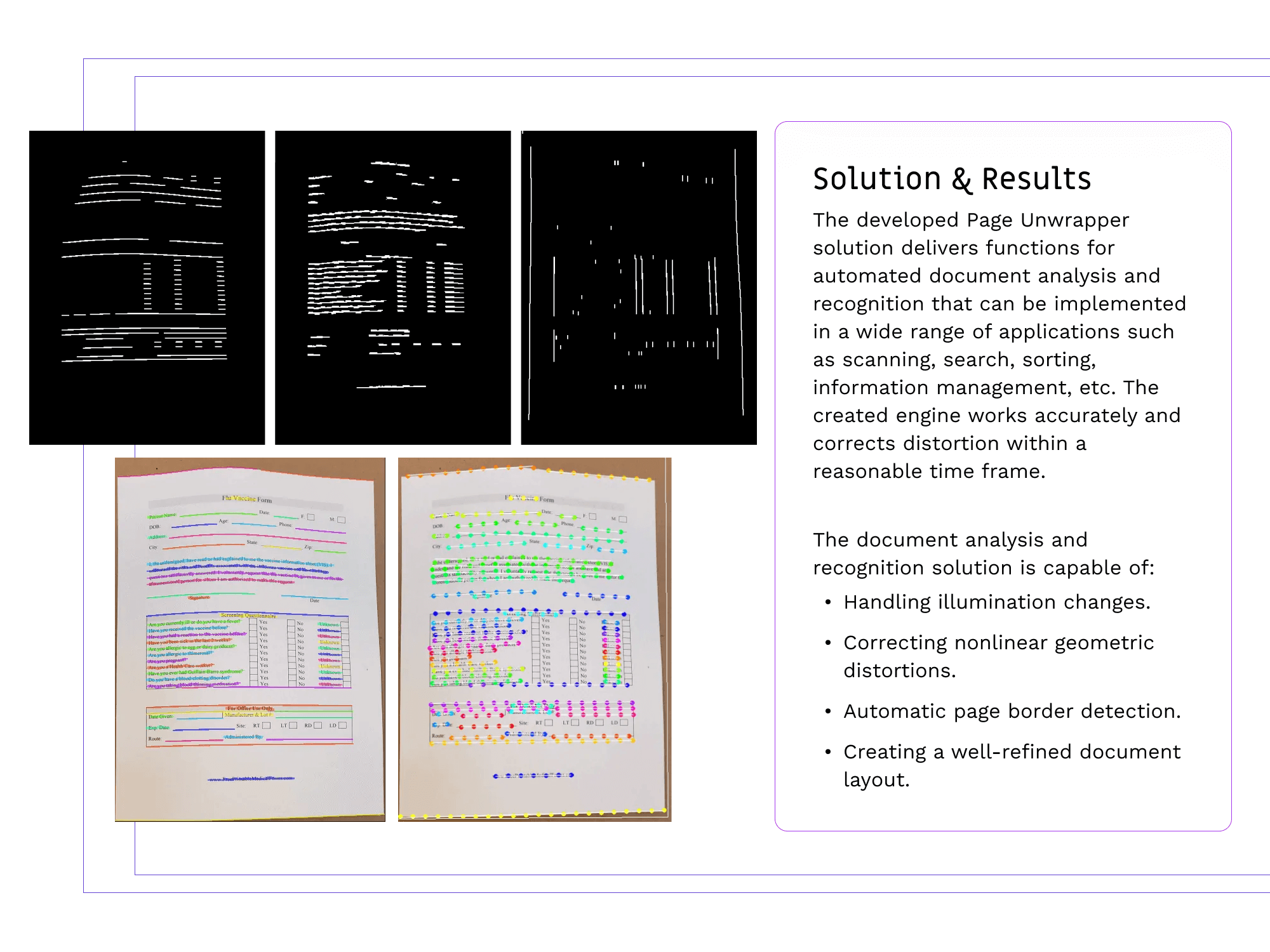
The steps of the developed algorithm included:
- Extraction of horizontal and vertical linear spans.
- Extraction of several groups of local features.
- Document correction based on estimated parameters of the geometrical model of the page.
- Compensation of residual image distortions for both vertical and horizontal directions using a dense sampling grid.
Solution & Results
The developed Page Unwrapper solution provides functions for automated document analysis and recognition that can be implemented in a wide range of applications, including scanning, search, sorting, and information management. The created engine operates accurately and corrects distortion within a reasonable timeframe.
The document analysis and recognition solution is capable of:
- Handling illumination changes.
- Correcting nonlinear geometric distortions.
- Automatic page border detection.
- Creating a well-refined document layout.
Don’t want to miss anything?
Subscribe to keep your fingers on the tech pulse. Get weekly updates on the newest stories, case studies and tips right in your mailbox.